
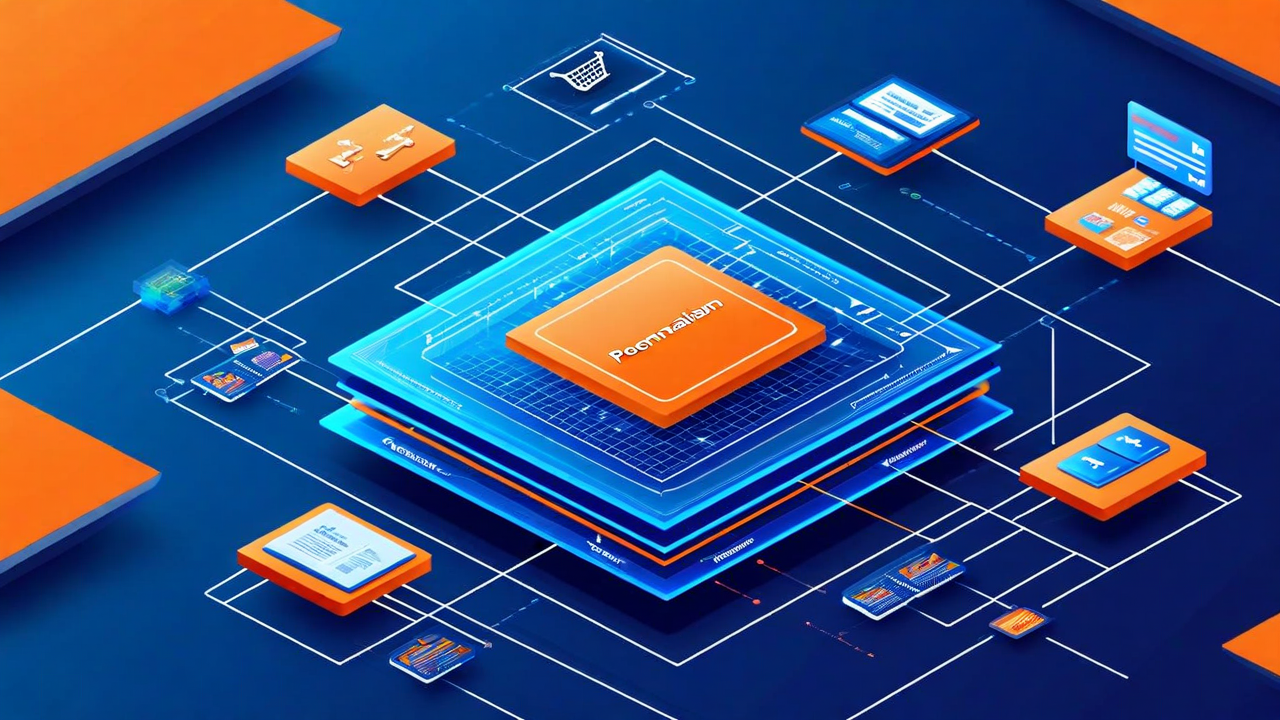
Headless commerce has moved from architectural experiment to mainstream deployment over the past three years. A growing share of mid-market and enterprise retailers have decoupled their frontend presentation layer from their backend commerce infrastructure — replacing monolithic platform front-ends with custom-built React, Vue, or Svelte applications consuming commerce APIs. The flexibility and performance gains are real and documented. But headless architectures introduce a set of personalization challenges that are not present in traditional platform-native deployments, and solving them requires a fundamentally different approach.
This article explains what those challenges are, how to design a personalization architecture that addresses them in a headless context, how to use edge functions for low-latency personalization delivery, and how to implement Madewithinter's API in common frontend frameworks.
What Headless Commerce Means
In a traditional e-commerce platform deployment (Shopify, Magento, WooCommerce), the platform manages both the backend commerce logic — product catalog, pricing, inventory, cart, checkout — and the frontend presentation layer — how pages are rendered, what templates are used, what widgets appear. Personalization tools in this context typically operate via JavaScript tags injected into the platform's theme, or via platform-native plugin systems.
In a headless deployment, the backend commerce infrastructure is exposed through APIs — REST or GraphQL — and the frontend is a separate application entirely, often built on a modern JavaScript framework and hosted independently. The frontend consumes commerce APIs for product data, pricing, and cart management, and it is fully responsible for its own rendering logic.
This separation creates significant flexibility: you can build exactly the experience you want without being constrained by platform theme limitations, you can use modern frontend tooling, you can deploy to edge networks for superior global performance, and you can iterate on the frontend independently of backend changes. But it also removes the abstraction layer that traditional personalization tools rely on — the JavaScript tag injection model that works in themed deployments does not translate directly to a headless application.
Personalization Challenges in Decoupled Architectures
The core challenges of personalization in headless commerce fall into three categories.
Behavioral Event Collection
In a themed deployment, behavioral tracking is typically handled by a JavaScript snippet that automatically instruments page views, product views, and standard e-commerce events. In a headless application, there is no automatic instrumentation — you must explicitly instrument every event you want to track. This is more work, but it is also an opportunity to collect behavioral data that platform-native tracking would miss: hover events, scroll depth, component visibility, interaction sequences that span multiple API calls within a single page view.
The recommended approach is to treat behavioral event collection as a first-class concern in your frontend application architecture from day one. Build a centralized event tracking service within your frontend app that all components can call to emit events, with a consistent schema validated at the application layer before transmission. This is significantly easier to maintain than scattered tracking calls spread across components.
Server-Side Rendering and Personalization Conflict
Modern headless commerce applications often use server-side rendering (SSR) or static site generation (SSG) to improve SEO and initial load performance. Both techniques generate HTML on the server (or at build time) before the user's browser receives the page. This creates a fundamental tension with personalization: if the HTML is generated before the server knows who the user is, how do you personalize it?
This challenge has several solutions, each with different tradeoffs. Client-side hydration personalizes the page after the initial HTML load using JavaScript — straightforward but creates a flash of non-personalized content before personalization kicks in. Server-side personalization reads the user's identity from a cookie or authentication header at request time and generates a personalized HTML response — delivers a personalized first paint but requires a server request per page view. Edge personalization runs personalization logic at the CDN edge, combining the performance benefits of edge caching with the ability to serve personalized responses — the most sophisticated approach and now supported by most major CDN platforms.
Identity and Session Continuity
Headless applications need to maintain user identity and session state across page navigations, which in a single-page application may not involve traditional page loads. Ensuring that your personalization system has a consistent user identifier — combining anonymous session tracking for pre-login visitors with authenticated user IDs for logged-in customers — requires deliberate design.
The recommended approach is to use a persistent anonymous identifier (stored in a first-party cookie with a long TTL) for all visitors, and to link that anonymous identifier to an authenticated user ID when the user logs in. This ensures behavioral history collected before login is associated with the authenticated customer profile, enabling personalization continuity across sessions and devices.
API-First Personalization Design
In a headless context, personalization is delivered through APIs rather than through client-side script injection. This means your personalization system needs to expose well-designed APIs for all the capabilities your frontend application will consume: behavioral event ingestion, real-time recommendation serving, A/B test assignment, and customer profile reads.
Good personalization API design follows several principles. Endpoints should be fast — recommendation API calls add to the critical path of page rendering, so latency must be minimized. The Madewithinter recommendation endpoint delivers responses in under 50ms for 95% of requests globally, achieved through a combination of pre-computed recommendation candidates and real-time re-ranking. Endpoints should be idempotent for read operations — requesting recommendations for the same user and context should return consistent results within a session. Endpoints should support batch requests — fetching recommendations for multiple placement slots in a single API call reduces round-trip overhead compared to multiple sequential calls.
Edge Functions for Low-Latency Recommendation Delivery
Edge functions — serverless compute running on CDN infrastructure at geographic points of presence close to users — are a powerful tool for low-latency personalization in headless architectures. By running personalization logic at the edge rather than in a central cloud region, you can deliver personalized responses to users in any geography with latencies that approach those of static file serving.
A typical edge personalization architecture works as follows. The edge function intercepts incoming requests for your application pages. It reads the user's anonymous identifier from their first-party cookie. It queries your personalization API (either Madewithinter's or your own internal service) with the user identifier and the page context. It receives a set of personalization parameters — which recommendation variant to show, which A/B test condition the user is in, which promotional messaging to display — and injects those parameters into the HTML response or the JSON API response that your frontend application will consume.
Vercel Edge Functions, Cloudflare Workers, and AWS CloudFront Functions all support this pattern. The key performance consideration is that the edge function's outbound API call to your personalization service must also be low-latency — if your personalization service is in a single cloud region and your edge function is serving a user in a distant geography, the round-trip to the personalization service can dominate the overall latency. Solutions include deploying your personalization service across multiple regions, using globally distributed data stores (DynamoDB Global Tables, Cloudflare KV) to cache pre-computed personalization parameters at the edge, or using prediction caching for users who have been seen recently.
Madewithinter REST API Usage Examples
Madewithinter's REST API is designed for headless integrations. Here is how the key endpoints are typically used in a headless application.
To record a behavioral event — for example, a product page view — your frontend application POSTs to the events ingestion endpoint with the user identifier, the event type, and the event context. The event is asynchronous and should not block the user experience; fire and forget, with retry logic for failures.
To fetch recommendations for a specific placement — for example, "Picked for you" on the homepage — your application GETs from the recommendations endpoint with the user identifier, the placement identifier, and the desired number of results. The API returns an ordered list of product identifiers with recommendation scores and metadata. Your frontend maps these identifiers to your product catalog for display.
To retrieve a customer's current segment assignments and personalization parameters — useful for server-side rendering decisions — your application GETs from the customer context endpoint. The response includes the customer's CLV tier, active A/B test assignments, segment memberships, and any active promotional personalization parameters. This endpoint is typically called once per session, with results cached in the user's session state.
Authentication for all Madewithinter API endpoints uses server-side API keys for backend and edge function calls, and short-lived client tokens for any client-side calls. Client-side calls should use scoped tokens with read-only access to avoid exposing write-capable credentials in the browser environment.
Frontend Framework Considerations
Next.js
Next.js is the most widely used framework for headless commerce and the primary platform for which Madewithinter provides official SDK support. The key integration points are in Next.js middleware (for edge-based personalization before page rendering), in getServerSideProps or server components (for server-side personalized data fetching), and in client components (for browser-side behavioral event tracking and dynamic recommendation updates).
Next.js server components, introduced in Next.js 13 and now stable, are particularly well-suited for personalization: they run on the server and have access to user identity, can fetch personalization data from Madewithinter's API without the latency of a client-side API call, and render personalized HTML as part of the initial server response. This eliminates the flash of non-personalized content that client-side approaches produce.
Nuxt
Nuxt.js, the Vue equivalent of Next.js, supports similar personalization patterns. Nuxt server middleware and Nuxt server routes are the primary integration points for server-side personalization. Nuxt's composable system makes it straightforward to build reusable personalization composables that any component can use to access recommendation data and customer context.
Remix
Remix's loader model — where each route has a server-side loader function that fetches all the data the route needs before rendering — is exceptionally well-suited for personalization. The Remix loader for a product page can call Madewithinter's API to fetch personalized recommendations and customer context in parallel with the product data fetch, ensuring both are available for the initial render without additional client-side round trips.
Performance Optimization
Personalization in headless commerce should not come at the cost of performance. The following optimizations are essential for maintaining Core Web Vitals scores while delivering genuine personalization.
Use speculation and prefetching to pre-load personalization data for likely next pages. If a user is on a category page, the most likely next page is a product detail page — pre-fetch recommendations for the top five products visible in the current viewport so they are available instantly when the user navigates.
Cache personalization parameters aggressively at the edge, with short TTLs (30-120 seconds) that balance freshness with performance. Most personalization parameters do not need to change on every page load — the recommendations for a returning customer who purchased three days ago are not going to change significantly between page views in the same session.
Avoid personalization API calls on the critical rendering path for pages where personalization is secondary. For high-traffic landing pages where SEO performance is paramount, render the core page content statically and hydrate the personalization layer asynchronously after the initial paint. The Core Web Vitals impact of deferring personalization is minimal; the SEO impact of a slower server response is significant.
Building personalization into a headless commerce architecture is meaningfully more complex than in a traditional platform deployment — but the result is a more powerful, more flexible, and more performant personalization capability that can deliver genuine competitive advantage. The investment in getting the architecture right upfront pays compounding returns as your personalization sophistication grows.